
How to Download and Install WinZip Malware Protector
Get WinZip Malware Protector from the official site, install it and run your first scan.
Download WinZip Malware Protector from the WinZip Malware Protector page, open the file you downloaded (wzmp_1.exe) and follow the on-screen instructions. When the installation is complete, the program opens and starts a malware scan.
Before You Start
- The product page lists Windows 10, 8, 7 and Vista as compatible.
- Download the program only from our official website.
Download and Install
- Go to the WinZip Malware Protector page and select Download.
- If your browser asks, select Save. The file wzmp_1.exe is saved to your Downloads folder.
- When the download is complete, open wzmp_1.exe from your browser's download list or from your Downloads folder.
- If Windows asks "Do you want to allow this app to make changes to your device?", select Yes.
- Follow the on-screen instructions to complete the installation.
- WinZip Malware Protector opens and starts scanning your PC for malware. Let the scan finish.
Run a Scan Later
To scan your PC again at any time, open WinZip Malware Protector and select Start Scan Now on the Status tab.
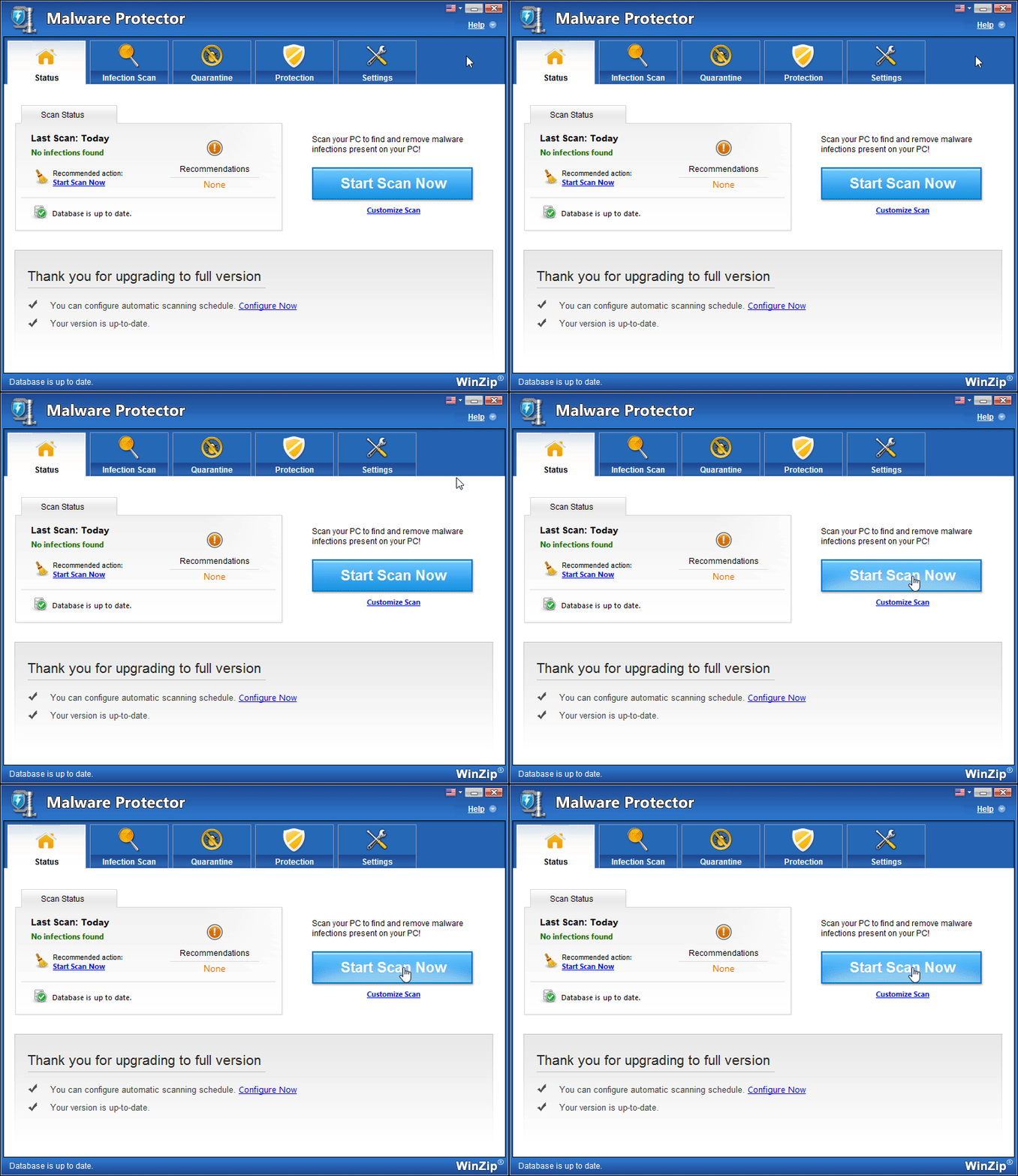
For a full walkthrough, see How to Check Your PC for Malware.
Activate Your License
The free trial version scans your PC and shows the malware it finds. To remove that malware, you need a license key. If you already bought one, follow How Do I Activate WinZip Malware Protector? If you cannot find your key, go to Lost Your License Key.
If It Didn't Work
- If the installer does not start, check your Downloads folder for wzmp_1.exe and open it from there.
- If the program is already installed and is not working, see How Do I Reinstall WinZip Malware Protector?
- Still stuck? Contact our support team.
Frequently Asked Questions
Is WinZip Malware Protector free to download?
Yes. The free trial version lets you run a full scan of your PC. To remove the malware it finds, you need to buy a license key and activate the program.
Do I need to enter my license key again if I reinstall?
Yes. When you install WinZip Malware Protector again, enter your license key in the new installation. Keep your key ready before you start.
How do I remove WinZip Malware Protector later?
Uninstall it from Windows like any other app, in Settings under Apps. The full steps are in the WinZip Malware Protector section of this Support Center. Uninstalling does not cancel a subscription.