WinZip Mac Optimizer
How Do I Uninstall Mac Optimizer?
No longer sold
WinZip Mac Optimizer is no longer sold. This answer stays here for existing customers.
Uninstalling WinZip Mac Optimizer is quick and easy. All you need to do is follow these easy steps:
- Launch Mac Optimizer on your Mac
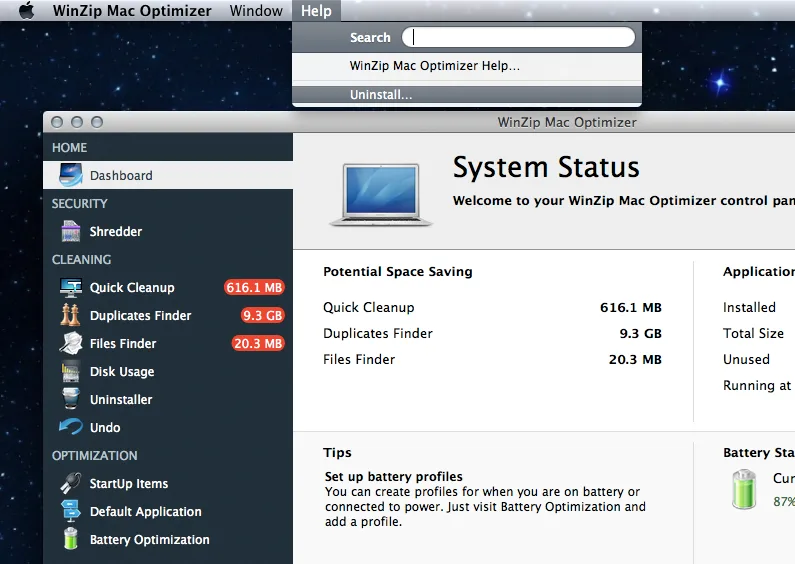
- Click on the Help menu in the top left corner of your screen and then select the Uninstall option.
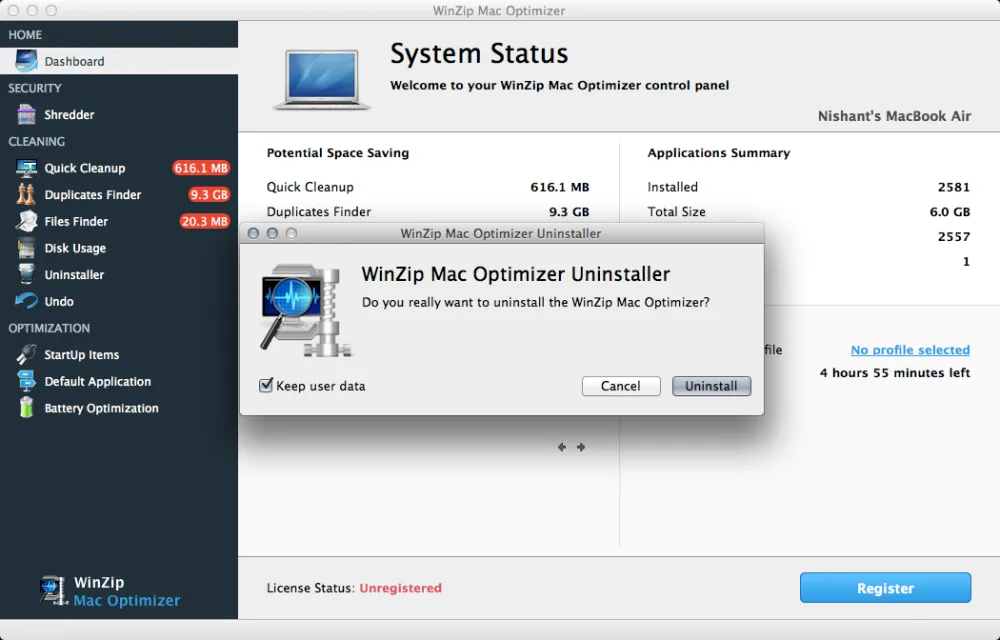
- In the prompt window that appears, click on the Uninstall button to complete the uninstallation process.
- This will remove WinZip Mac Optimizer from your Mac!