
What Is WinZip Driver Updater?
What it does, how to use it, and how its backup, restore and exclusion features keep you in control.
Want drivers and cleanup in one tool? WinZip System Utilities Suite's one-click scan includes a Driver Updater, along with junk file and privacy cleanup.
Quick Answer
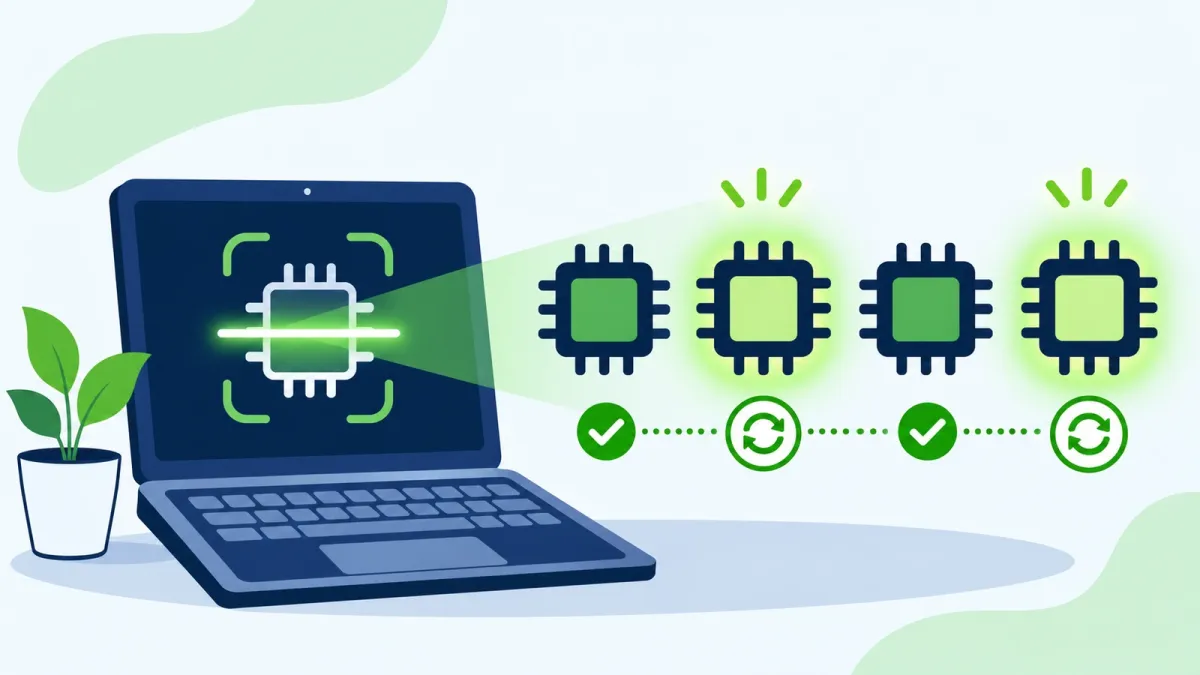
WinZip Driver Updater is a Windows program that finds and updates out-of-date drivers:
- It scans your PC and identifies outdated, incorrect and corrupt drivers.
- It updates them with the latest versions from the original manufacturers.
- It includes automatic backups, a restore wizard, exclusions and a scheduler.
- A free trial scans your PC; the registered version adds one-click install of all updates.
How you know it worked: run Start Scan Now again after updating, and the drivers you updated show as up to date.
WinZip Driver Updater is a Windows program from WinZip that checks your PC for out-of-date drivers and updates them for you. This guide explains what drivers do, what the program does, how to use it, and how its backup, restore and exclusion features let you undo or skip any update.
1. What Drivers Do and Why They Need Updates
A driver is the software that lets Windows work with a piece of hardware, such as your graphics card, sound chip, printer or network adapter. Think of it as a translator between the device and Windows.
Every time Windows and your apps are updated, your hardware may need new drivers to keep working fully. Many manufacturers don't tell you when they release a new driver, so you can miss bug fixes, power improvements, new features and important security patches.
Windows helps too: Windows Update installs recommended drivers automatically, while optional driver updates wait until you choose them. Checking every device by hand in Device Manager, though, takes time.
2. What WinZip Driver Updater Does
- Finds driver problems: it scans your PC and identifies outdated, incorrect and corrupt drivers, then recommends updates.
- Uses manufacturers' drivers: it sources driver updates from the original equipment manufacturer only and updates drivers with the latest versions from the original manufacturers.
- Delivers the correct drivers: installing the wrong or outdated drivers can cause problems with your PC, so it identifies and delivers only the correct drivers for your system.
- Saves time: tracking down drivers for all the hardware in your PC can take hours. A quick scan and update takes minutes.
- Includes safety features: automatic backups, a restore wizard, exclusions and a scheduler.
3. How to Update Your Drivers With It
- Download the free trial from the WinZip Driver Updater page.
- Double-click the downloaded file to run the installer, and follow the steps. When it's installed, Driver Updater opens and runs a first scan.
- To scan again later, select the Home tab, then Start Scan Now.
- Review the results. Select Update next to a driver to install it, and wait for one driver to finish before you start the next.
- A message tells you when the installation is complete. With the registered version, you can select Update All instead to install every update at once.
Expected result: the drivers you updated show as up to date when you scan again.
4. Back Up, Restore, Exclude and Schedule
These features let you undo an update, skip one you don't want, and run scans when it suits you.
- Back up before you update: select the Backup icon on the top menu, then Start Backup. Choose the type of backup, select Next and follow the steps.
- Restore if an update causes trouble: select Backup > Start Restore, choose a backup, then select Load Backup and Restore. Restart your PC when it's done.
- Exclude a driver: after a scan, right-click a driver update in the results and select Exclude this driver from future scans. To undo it, remove the driver from the Driver Exclusion List.
- Schedule scans: select Options > Schedule. Under Schedule Settings, choose the type of schedule and your preferences, then select Apply.
5. Free Trial vs Registered Version
The free trial scans your PC for out-of-date drivers, so you can see which updates are available. The registered version makes updating faster and easier, and adds:
- One-click install of all driver updates, instead of reviewing and updating each driver one by one
- Early access to new drivers
- Dedicated email support
The WinZip Driver Updater page lists Windows 10, 8, 7 and Vista as compatible.
6. How to Uninstall It
If you decide you don't need it, you can remove WinZip Driver Updater like any other Windows app.
- Select Start > Settings > Apps > Installed apps.
- Find WinZip Driver Updater, select More (…) > Uninstall, and follow the steps.
You can also use Control Panel > Programs > Programs and Features: select WinZip Driver Updater, then Uninstall/Change.
Expected result: WinZip Driver Updater no longer appears in your list of installed apps.
Frequently Asked Questions
What is WinZip Driver Updater used for?
It scans your PC for outdated, incorrect and corrupt drivers and updates them with the latest versions from the original manufacturers, so your hardware keeps getting bug fixes, power improvements and new features.
Is WinZip Driver Updater free?
There's a free trial that scans your PC for out-of-date drivers. The registered version adds one-click install of all driver updates, early access to new drivers and dedicated email support.
Do I still need Windows Update?
Yes. Microsoft says the best way to get driver updates is automatically through Windows Update, which installs recommended drivers for you. Keep it on whatever other tools you use.
Can I undo a driver update?
Yes, if you made a backup first. Select Backup > Start Restore, choose your backup, then Load Backup > Restore, and restart. You can also use Roll Back Driver in Windows Device Manager.
Can I schedule driver scans?
Yes. Open Driver Updater, select Options > Schedule, choose the type of schedule and your preferences under Schedule Settings, then select Apply.
Which versions of Windows does it work with?
The WinZip Driver Updater page lists Windows 10, 8, 7 and Vista.
How This Guide Was Checked
- Written by
- Loki, WinZip Team. Updated by the WinZip Team in November 2026.
- First published
- February 5, 2021
- Sources reviewed
- WinZip SystemTools: WinZip Driver Updater
- WinZip SystemTools: How to Update Your Drivers for Free
- WinZip Support: How do I backup my drivers, before I install the driver updates?
- WinZip Support: How do I restore driver updates and roll back the original drivers?
- WinZip Support: Can I exclude a driver update from being downloaded and installed?
- WinZip Support: How do I create a Schedule to run Driver Updater?
- Microsoft Support: Update drivers through Device Manager in Windows
- Microsoft Support: Automatically get recommended and updated hardware drivers
- Microsoft Support: Uninstall or remove apps and programs in Windows
Related Guides
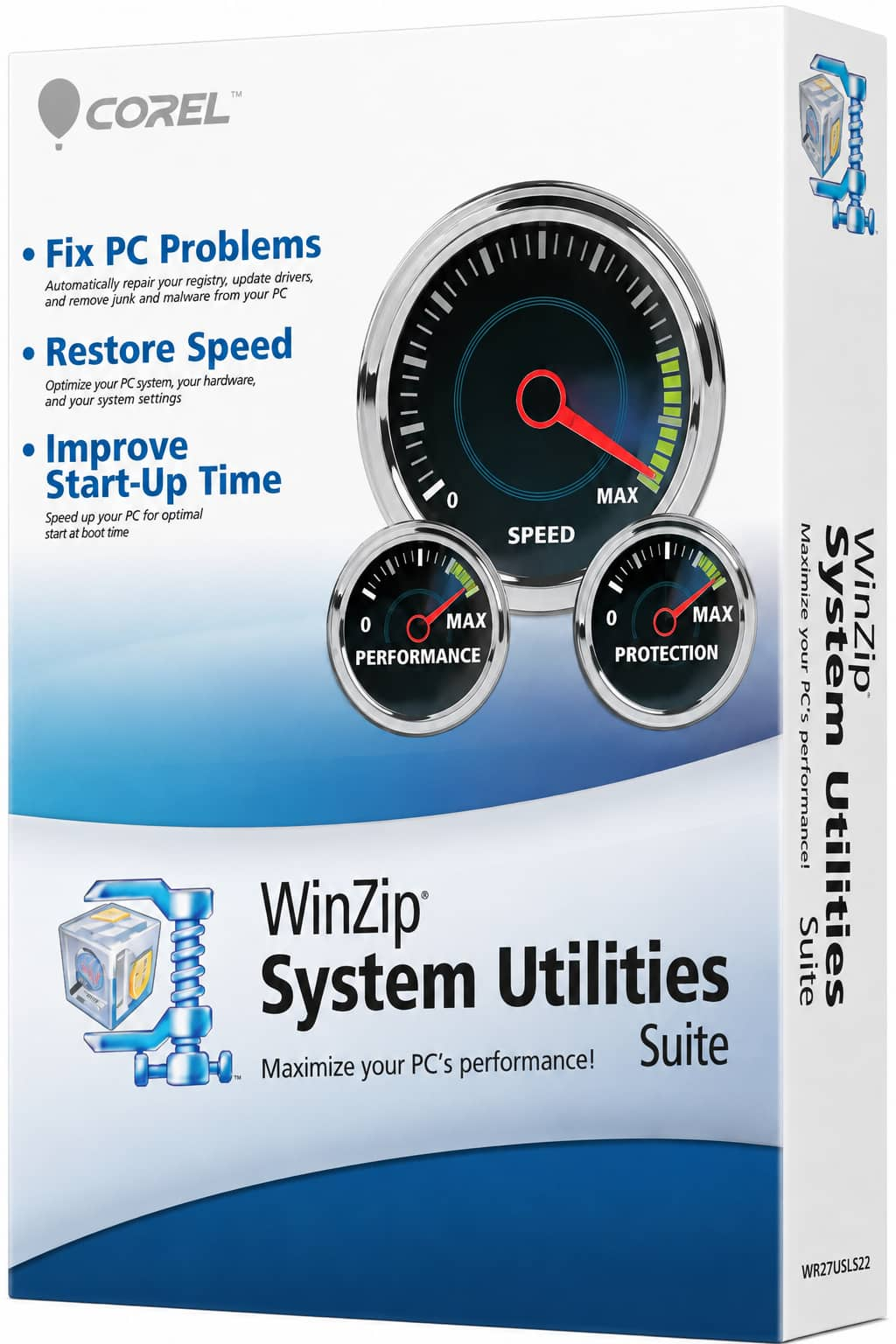
Speed Up Your PC With WinZip System Utilities Suite
- Clean junk files and free up disk space
- Update outdated drivers
- Speed up startup
- Optimize and defrag your drives